Diseño de vigilancia comercial
$2,500 diseño
Revisión del sitio, estrategia de cámaras, red/almacenamiento, recomendación de equipo y propuesta de instalación.

This page is built to show customers what RedHawk can actually do in the field: active camera installation, site planning, parking-lot and perimeter visibility, and the back-end rack / NOC side that keeps the whole system alive. It is meant to hit visually, not read like a spreadsheet had a midlife crisis.
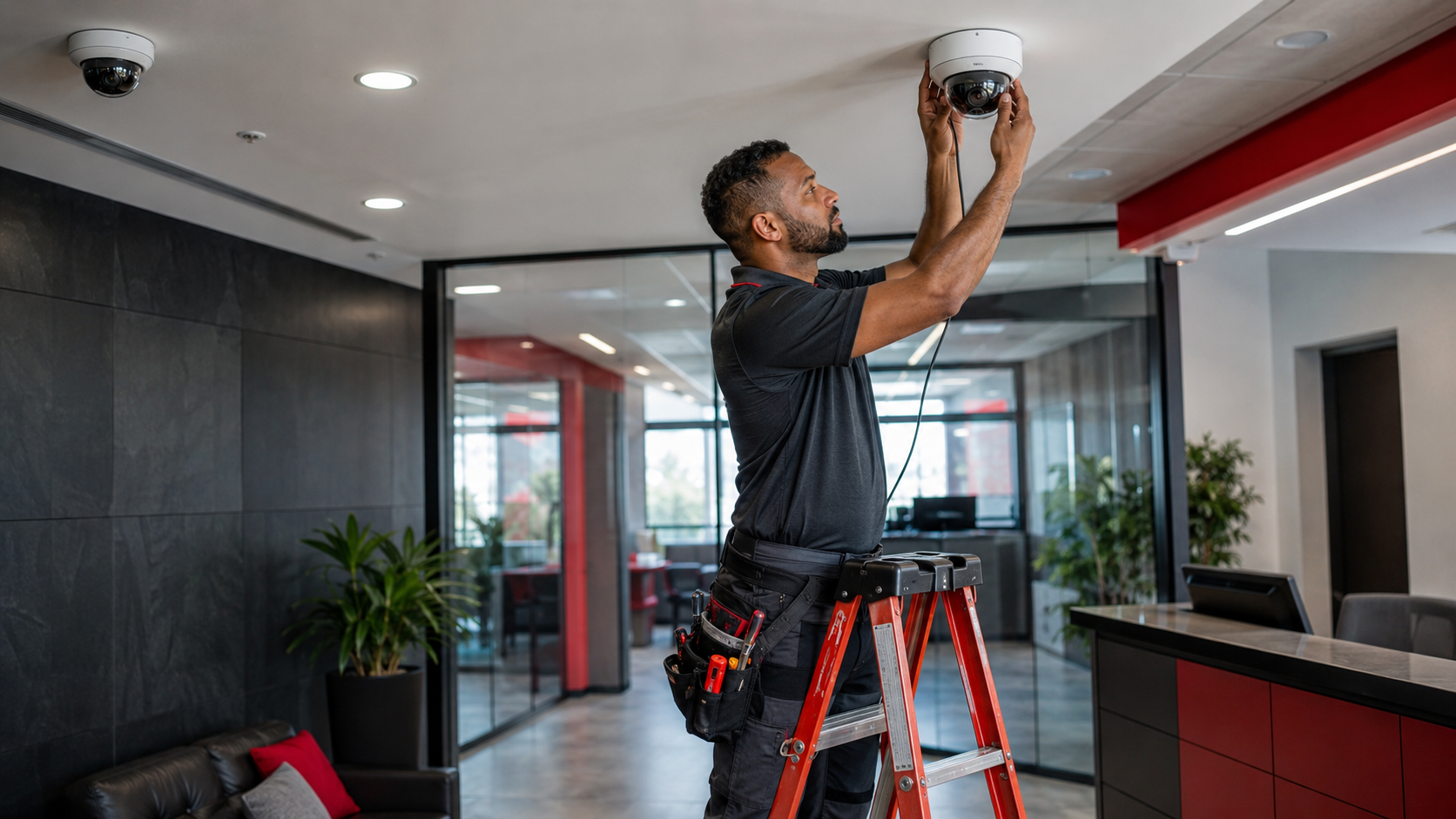
Revisión del sitio, estrategia de cámaras, red/almacenamiento, recomendación de equipo y propuesta de instalación.
El precio depende del número de cámaras, cableado, elevadores, red, almacenamiento, acceso, viajes y hardware.
En vez de bloques genéricos, esta página cuenta la historia real: qué se instala, cómo se vigila, dónde van las cámaras y por qué importa el equipo central.
Mostrar una instalación real: ubicación limpia, ángulo correcto, cableado profesional y un sistema que pertenece al edificio.
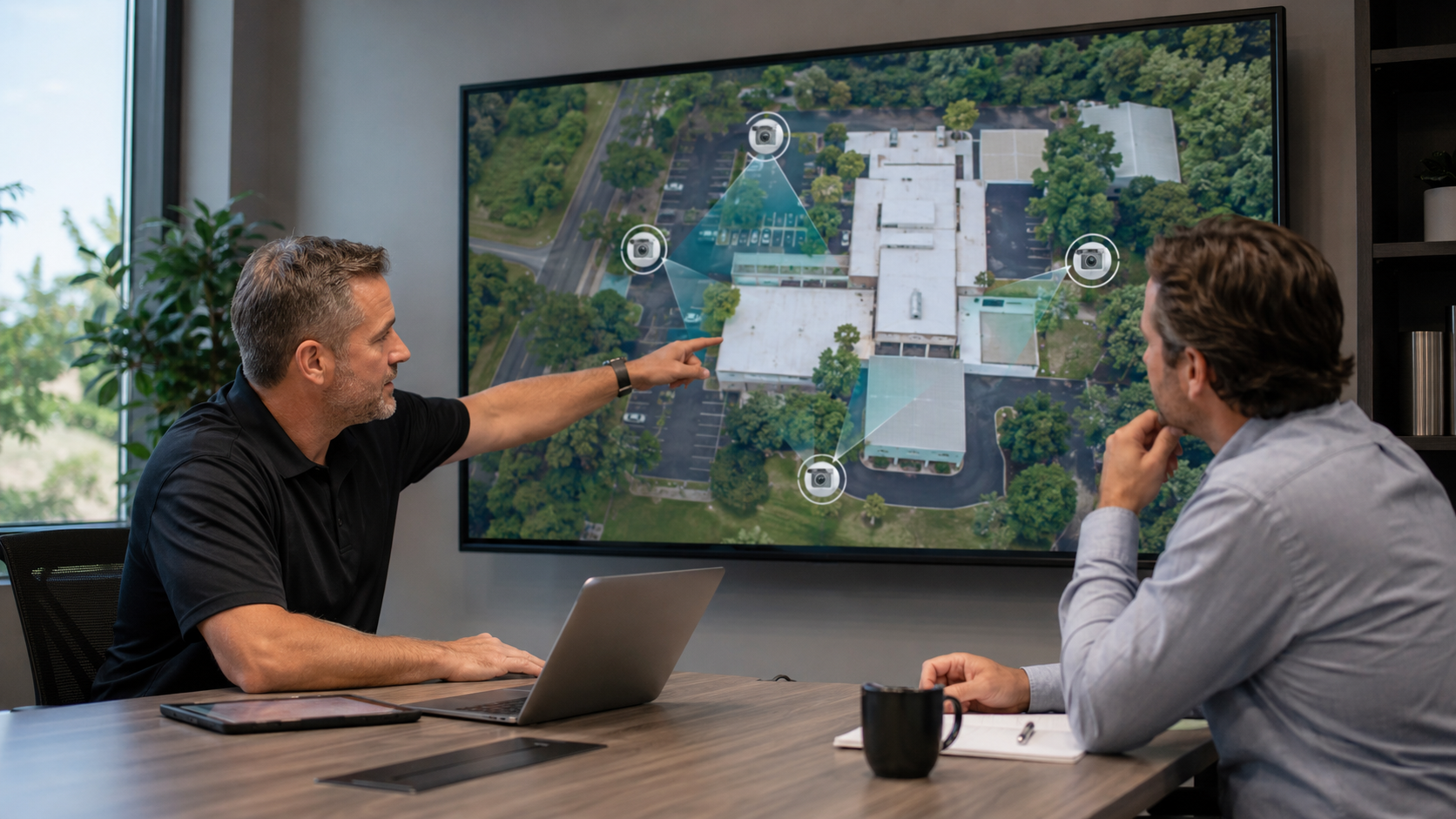
Revisar la propiedad, analizar ángulos clave, marcar posibles puntos de cámara y convertir una conversación vaga en algo claro para el cliente.
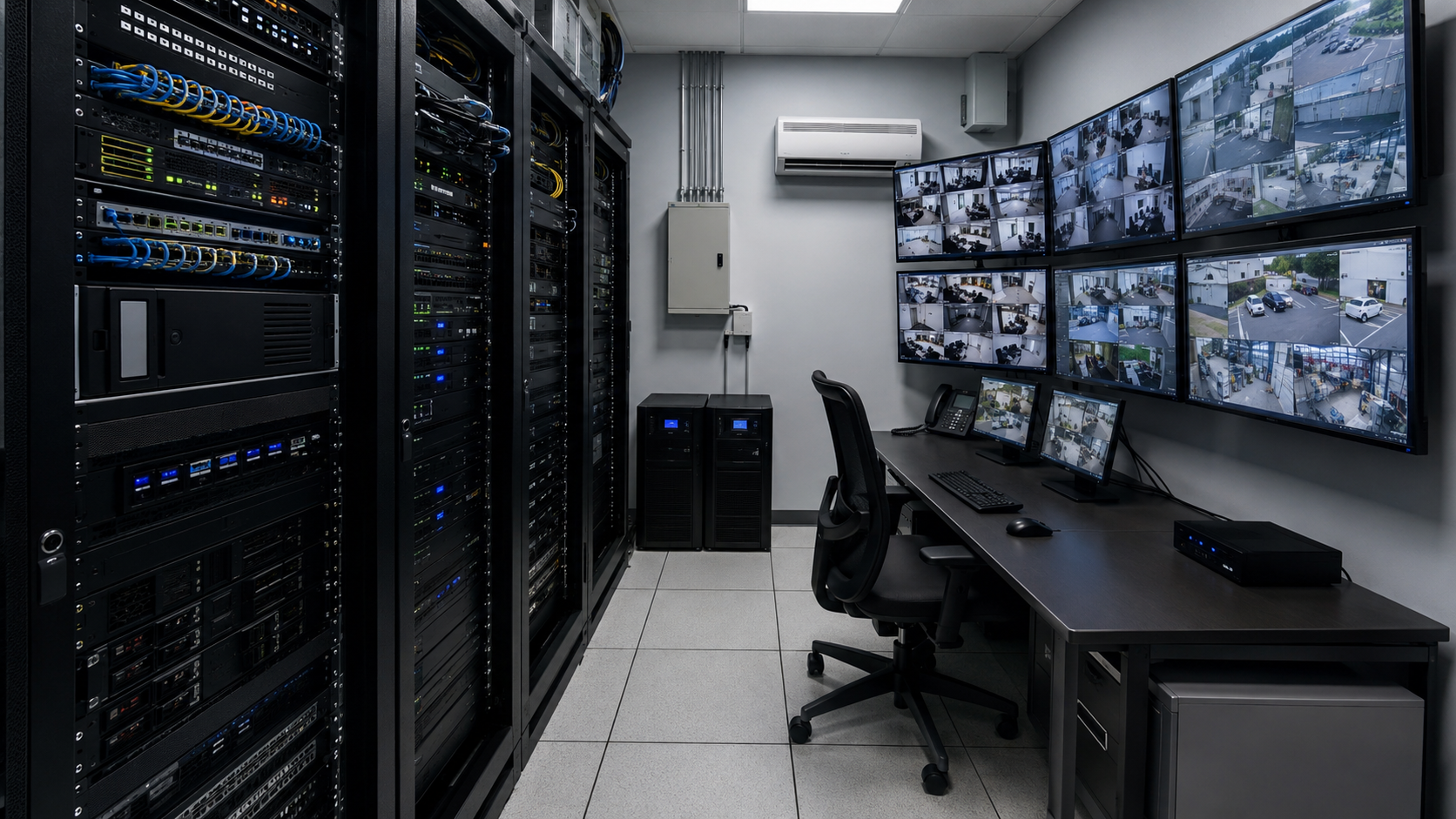
Grabador, almacenamiento, switches PoE, rack, UPS, acceso remoto y la lógica central que hace funcionar el sistema cuando importa.
Not “some cameras maybe.” They should see control, coverage, and a real plan. This section shows the install story from parking lot to back-end.
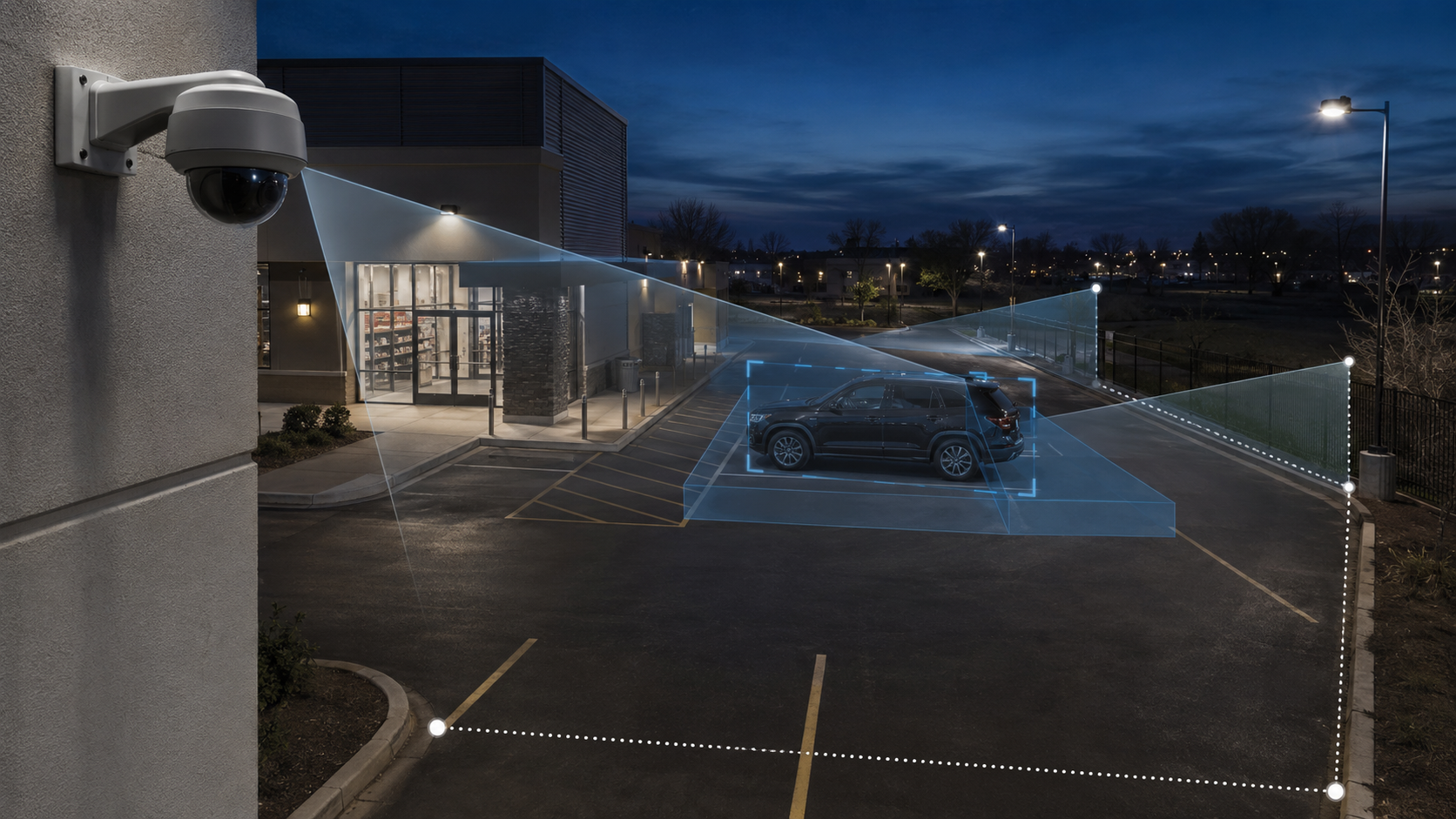
Where are the real risks — entry points, cash handling, parking exposure, back doors, employee corridors, warehouse aisles, or perimeter access?
Instead of just saying “we’ll put a camera here,” show likely views, coverage areas, and how the scene will actually be watched.
Customers may not ask for recorder, switch, storage, or UPS details — but they understand the value when they can see it tied to uptime and evidence retention.
Once the system feels real, the planning tool can convert the site review into camera count, NOC needs, gear path, connectivity, and pricing.
Use visuals to explain why the NVR, rack, PoE, storage, and UPS matter. Customers don’t buy “boxes.” They buy reliability, evidence, and confidence.
When the customer sees the site, the placement, and the story, the system starts to make sense without needing a giant technical lecture.
The visual message is simple: clean, capable, professional. Not random gear slapped to drywall with hope and zip ties.
Parking, lot access, and perimeter coverage are where many customers suddenly “get it.” This image helps land that point fast.
Use the planner to pull maps, mark camera points, choose connectivity, show NOC / rack needs, generate equipment links, and produce a stronger customer-facing quote. This services page is the visual front end; the planning console is the engine behind it.
RedHawk Defense ayuda a hogares, oficinas en casa y pequeños negocios en Tucson y el sur de Arizona con seguridad práctica, soporte de TI, cámaras, respaldos y protección de datos.